
How to Set Up Your AI Receptionist in Under 10 Minutes: A Step-by-Step Guide
Setting up an AI receptionist takes under 10 minutes: sign up, configure your business hours and service types, then forward your existing business phone number to the AI. No hardware required. The AI answers immediately, qualifies callers, books appointments, and sends SMS confirmations to customers and your team.
TL;DR: Getting an AI receptionist live doesn't take weeks of configuration — it takes minutes. HulloDesk walks you through 4 steps: add your business details, connect your CRM (Housecall Pro, ServiceTitan, or Google Calendar), set your script guardrails, and forward your calls. You're live before the next call comes in.
The biggest barrier to adopting AI technology is often the perceived complexity of setup. Many business owners assume it will take weeks of "training" and technical configuration. With HulloDesk, the reality is that you can go from "missed calls" to "automated bookings" in under 10 minutes. Here is the exact process.
Step 1: The Business Blueprint
When you first log in, you'll be asked for your "Business Blueprint." This isn't a complex document — it's just the basic facts about your company: what you do, where you do it, and what you charge. This information forms the core of your AI's knowledge base. If you're a plumber in Phoenix who charges a $79 dispatch fee and does everything except septic tanks, you simply type that in.
Step 2: Choose Your Agent's Voice and Personality
HulloDesk offers a variety of ultra-realistic voices. You can choose a voice that sounds professional and authoritative, or one that sounds warm and friendly. You can also give your agent a name. This helps build a consistent brand experience for your callers.
Step 3: Connect Your Operations
This is where the magic happens. By connecting HulloDesk to your field service software (like Housecall Pro or ServiceTitan) or your Google Calendar, you allow the AI to see your real-time availability. When a customer calls, the AI doesn't just take a message — it looks at your actual schedule and offers real appointment slots.
Step 4: The Script and Guardrails
You have full control over what your AI can and cannot say. You can set specific instructions, like "Never quote a price for a repipe over the phone" or "Always ask if they have a leak before booking." These guardrails ensure your AI behaves exactly like a well-trained human receptionist.
Step 5: Test and Launch
Before you forward a single real customer call, you can run as many test calls as you like. Call your AI number yourself, pretend to be a customer, and see how it handles your questions. Once you're 100% happy with the performance, simply turn on call forwarding on your business phone line. You're now a 24/7 business.
How to get started
Follow these clear steps to implement this strategy in your business today.

Create Your Account
Sign up at HulloDesk.com and complete the basic business profile (name, services, service area).

Choose Your Agent Type
Select 'Inbound Receptionist' and choose a voice that matches your brand personality.

Connect Your Calendar
Link your Google Calendar, Housecall Pro, or ServiceTitan to enable real-time booking.
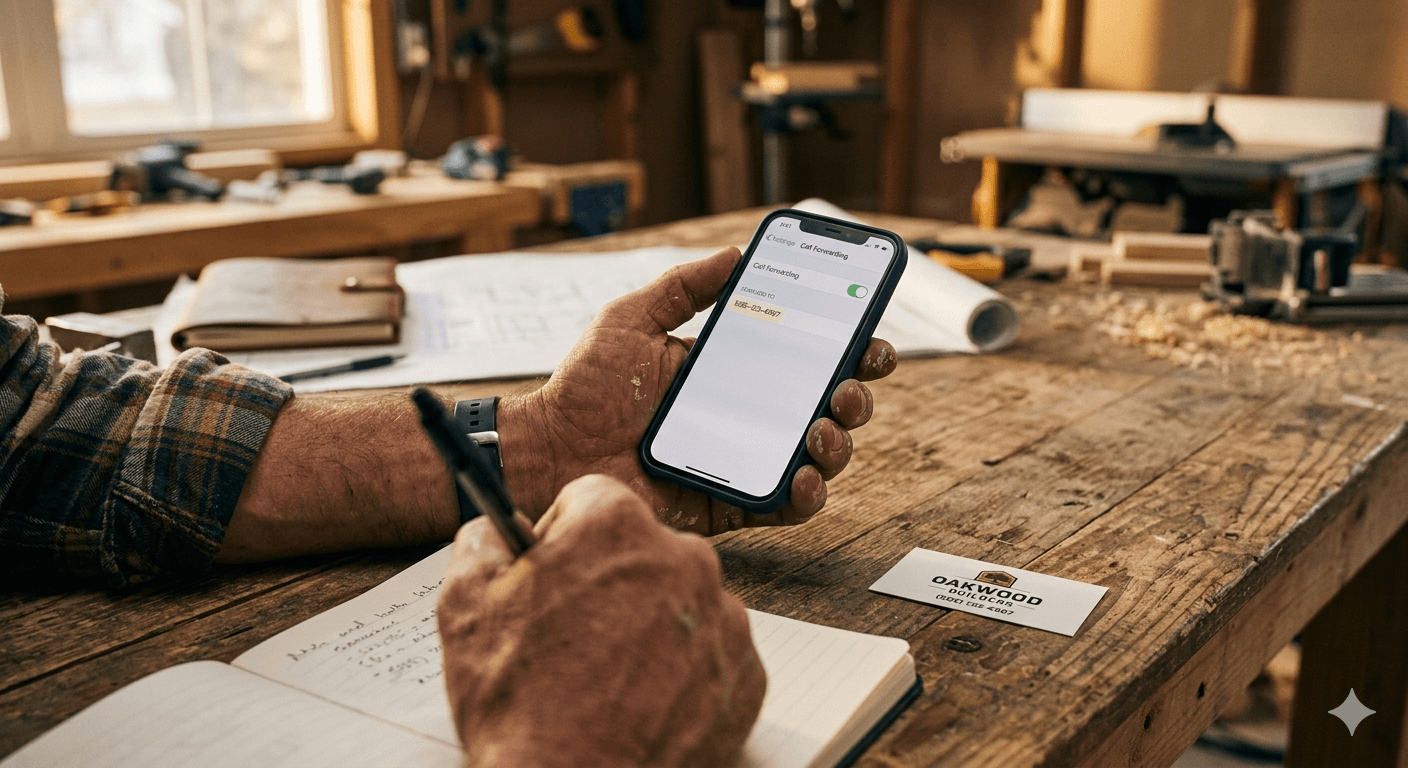
Configure Call Forwarding
Set up conditional call forwarding on your business line to send unanswered calls to your HulloDesk AI number.
Frequently Asked Questions
Q:Do I need technical skills to set up HulloDesk?
Q:Can I use my existing business phone number?
Q:How do I know the AI is saying the right things?
The AI Front Office Setup Checklist
Stop losing jobs to missed calls. Get the 4-step checklist we use to set up 24/7 AI receptionists for $1M+ trade businesses.
No spam · Instant PDF delivery · Unsubscribe anytime

Prajwal Kumar is the founder of HulloDesk and an expert in AI voice automation for the trades. He built HulloDesk after watching skilled contractors lose jobs to competitors who simply answered the phone faster. He writes about AI, lead conversion, and practical growth systems for HVAC, plumbing, electrical, and home service businesses.
View all insights by Prajwal

